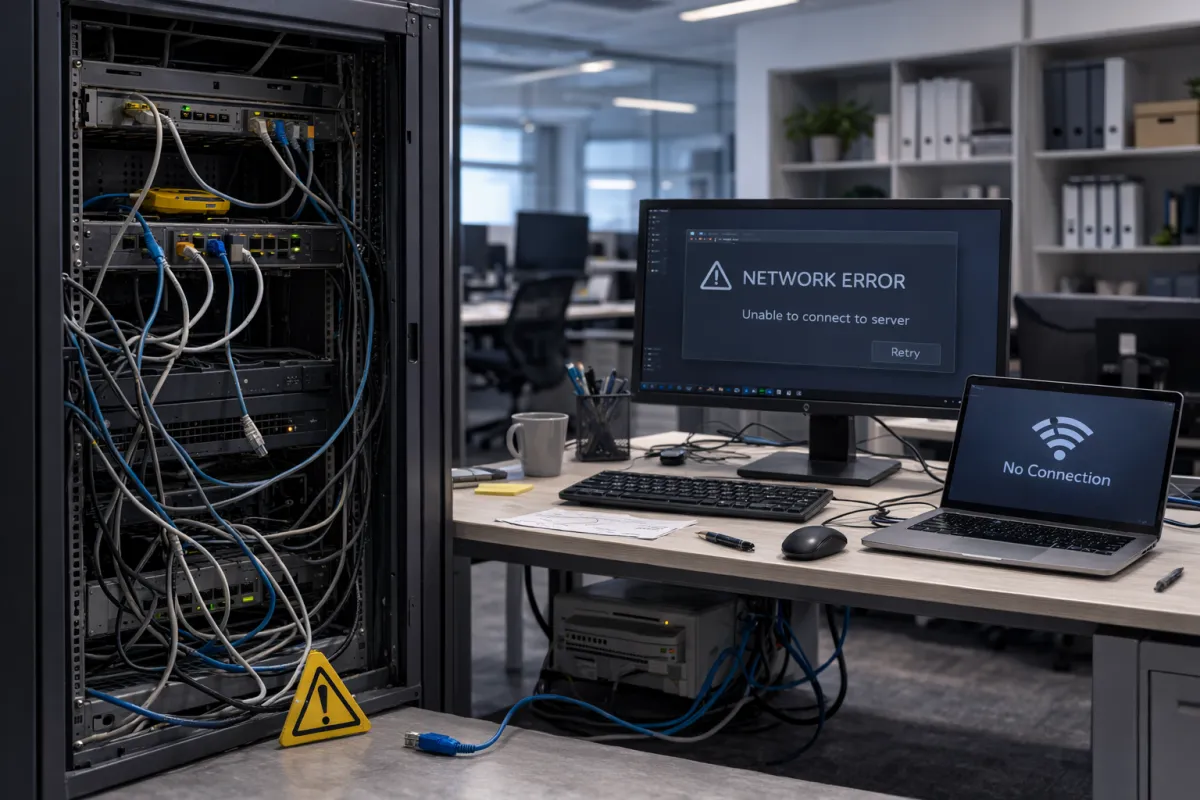
What Causes a Server to Crash and How San Antonio Businesses Can Prevent It
Every business owner in San Antonio knows the sinking feeling when the network goes down. Work stops. Employees sit idle. Customers cannot get through. And somewhere in the background, revenue is quietly draining away.
Server crashes are one of the most disruptive events a business can face, and they rarely happen with a warning. Understanding what causes them, and how to stop them before they happen, is one of the smartest investments a business can make. This guide breaks down the most common causes of server crashes and what businesses in San Antonio can do today to protect themselves.
Why Server Crashes Are a Bigger Problem Than Most Businesses Realize
When a server goes down, the impact goes beyond a few hours of inconvenience. Employees cannot access files, print documents, reach the internet, or communicate internally. Depending on your industry, even a few hours of downtime can mean missed contracts, failed deliverables, and damaged client relationships.
For small and mid-sized businesses in San Antonio, the risk is especially high because many operate without a dedicated IT team watching things around the clock. That means a problem that starts small can spiral into a full crash before anyone notices.
The good news is that most server crashes are preventable. The key is knowing what to look for.
The Most Common Causes of Server Crashes
Hardware Failure
Physical components break down over time. Hard drives, power supplies, memory modules, and cooling fans all have a lifespan. When any one of them fails, the entire server can go down.
Hard drive failure is one of the leading causes of server crashes. Drives typically show warning signs before they fail, including slow read and write speeds, unusual clicking sounds, and increasing error counts. Without monitoring tools in place, these warnings often go unnoticed until it is too late.
Overheating
Servers generate a significant amount of heat. When a server room lacks proper ventilation or when cooling systems fail, internal temperatures rise beyond safe operating thresholds. Modern servers will often shut themselves down automatically to prevent permanent damage, but this still results in unexpected downtime.
Dust buildup inside server cases, blocked air vents, and failed cooling fans are all common contributors to overheating in businesses in San Antonio, especially in facilities where server rooms double as storage spaces.
Power Issues
Unstable power is a silent threat. Power surges, brownouts, and sudden outages can corrupt data, damage hardware, and cause servers to crash without warning. Businesses in San Antonio that rely on stable power for critical operations are especially vulnerable during storms or grid fluctuations.
An uninterruptible power supply (UPS) is one of the most effective and straightforward defenses against power-related crashes. It gives servers time to shut down safely rather than cutting off abruptly.
Software and Operating System Errors
Corrupted operating system files, failed updates, and software conflicts can all bring a server down. This is especially common after patches are applied without proper testing or when incompatible applications are installed on production servers.
Regular software audits and controlled update processes are critical for keeping server environments stable.
Outdated or Unsupported Hardware and Software
Running servers on hardware or software that is past its end-of-life is a major risk factor. Vendors stop releasing security patches and bug fixes for unsupported systems, leaving them vulnerable to both technical failures and security threats.
Many businesses in San Antonio continue running aging infrastructure because replacement feels expensive. In reality, the cost of a crash, including emergency recovery, lost productivity, and potential data loss, far exceeds the cost of a planned upgrade.
Ransomware and Cyberattacks
Malicious software can encrypt or corrupt server data, rendering systems inaccessible. Ransomware attacks have become increasingly common among small and mid-sized businesses precisely because they are less likely to have enterprise-grade security in place.
A server that is taken offline by ransomware is not just a technical problem. It is a business crisis.
How Businesses in San Antonio Can Prevent Server Crashes
Implement Proactive Server Monitoring
Monitoring tools track server health in real time, including CPU usage, memory load, disk health, temperature, and event logs. When a metric goes outside normal thresholds, alerts go out before the system fails.
Proactive monitoring is the difference between catching a failing drive before it crashes and discovering the failure after you have lost data. For businesses in San Antonio without an in-house IT team, partnering with a managed IT provider that offers 24/7 monitoring is one of the most effective forms of server crash prevention available.
Schedule Regular Hardware Inspections
Physical inspections catch problems that software monitoring misses. Check for dust buildup, inspect cooling fans, verify cable connections, and look for early signs of hardware wear. A quarterly inspection schedule is a reasonable starting point for most businesses.
Keep Software and Firmware Updated
Staying current with operating system patches, firmware updates, and application updates reduces the risk of software-related crashes. Establish a testing protocol so updates are validated in a non-production environment before being deployed across live servers.
Invest in Power Protection
Install a UPS for every critical server. Consider a whole-facility surge protector for added protection. If your business operates in a location with frequent power fluctuations, a power conditioning system is worth the investment.
Create a Backup and Recovery Plan
Even with the best prevention strategies, no system is crash-proof. A tested backup plan ensures that when something does go wrong, you can restore operations quickly. Follow the 3-2-1 rule: keep three copies of your data, on two different media types, with one stored offsite or in the cloud.
Backups should be tested regularly. An untested backup is not a backup. It is a false sense of security.
Upgrade Aging Infrastructure on a Planned Schedule
When upgrading server hardware, consider the supporting infrastructure as well. Well-organized, high-quality network cabling can reduce downtime caused by connectivity issues and make future expansions smoother. Businesses that pair server upgrades with proper cabling enjoy more consistent performance and fewer unexpected interruptions.
Signs Your Server May Be at Risk Right Now
Not all crashes happen without warning. Watch for these indicators that your server needs attention:
Slower than normal application load times
Frequent error messages or system alerts
Unusual sounds from the server hardware
Unexpected reboots or system freezes
Increased temperatures in the server room
Failed or skipped backups
If any of these are occurring in your business, it is worth having your server environment assessed before a minor issue becomes a major outage.
Protecting Your Business in San Antonio Starts With Prevention
Server crash prevention in San Antonio comes down to one principle: do not wait for something to break. The businesses that experience the least downtime are the ones that monitor consistently, maintain proactively, and plan for failure before it happens.
Whether your team is running one server or managing a complex multi-server environment, the right combination of monitoring, maintenance, and backup strategy puts you in control. If you are unsure where your current setup stands, a baseline IT assessment is the best place to start.
Frequently Asked Questions
How much does server downtime cost a small business?
Estimates vary widely by industry, but research consistently shows that even a few hours of downtime can cost small businesses thousands of dollars when accounting for lost productivity, missed sales, and recovery time. For businesses that rely heavily on real-time data access, the numbers climb quickly.
How often should servers be replaced?
Most server hardware should be evaluated for replacement every five to seven years. However, if performance is degrading, support has ended, or repair costs are becoming frequent, earlier replacement is the better financial decision.
What is the best way to monitor server health in San Antonio?
Partnering with a local managed IT services provider that offers proactive monitoring is one of the most reliable options for businesses without dedicated internal IT staff. Monitoring tools combined with human oversight provide the fastest path from alert to resolution.
