
Debunking Myths: The True Costs of IT Managed Care Services Explained
Managed IT Pricing — Myths, Real Costs, and How to Budget

Technology changes fast, and so do the costs of keeping it running. For small and mid-sized businesses, especially here in Texas, knowing what you’ll really pay for managed IT services makes budgeting and decision-making a lot easier. This guide clears up common pricing myths, breaks down the true cost drivers, and offers practical budgeting advice so you can invest in IT with confidence. We’ll cover myths, cost calculations, average pricing structures, ROI, and budgeting tips tailored to SMBs.
What Are the Common Myths About IT Managed Services Pricing?
There’s a lot of confusion around how managed IT is priced. Misunderstandings can lead to poor choices or surprise bills. Below are the myths we hear most often — and what you should know instead.
Which Hidden Costs Should Small Businesses Expect?
Small businesses frequently run into extra charges that weren’t obvious at the start. Typical hidden costs include:
- Setup Fees: Initial onboarding, configuration, or migration work can add a one-time fee that’s often listed separately from monthly service charges.
- Overage Charges: Going past agreed service limits — for example, support hours or data transfer — can trigger per-use fees.
- Software Licensing: Required licenses or renewals for third‑party tools and security software may not be included in the base package.
Knowing these potential extras up front helps you compare proposals and avoid surprises when invoices arrive.
Do Managed IT Services Always Require Long-Term Contracts?
Not necessarily. While some providers favor annual agreements, many offer flexible arrangements that suit growing businesses. Common options include:
- Month-to-Month Contracts: Full service without a long-term commitment—good for businesses testing a provider or with shifting needs.
- Trial Periods: Short-term evaluations let you verify service quality before signing a longer contract.
- Custom Agreements: Contracts tailored to your business size, risk tolerance, and growth plans, with negotiated terms and review points.
Ask potential providers about contract flexibility and clear exit terms so you’re not locked into a plan that no longer fits.
How Is the Cost of IT Managed Care Services Calculated?
Several variables combine to determine what you’ll pay for managed IT. Understanding them helps you evaluate quotes and plan a realistic budget.
What Are the Typical Cost Factors: Hardware, Software, Labor, and Compliance?
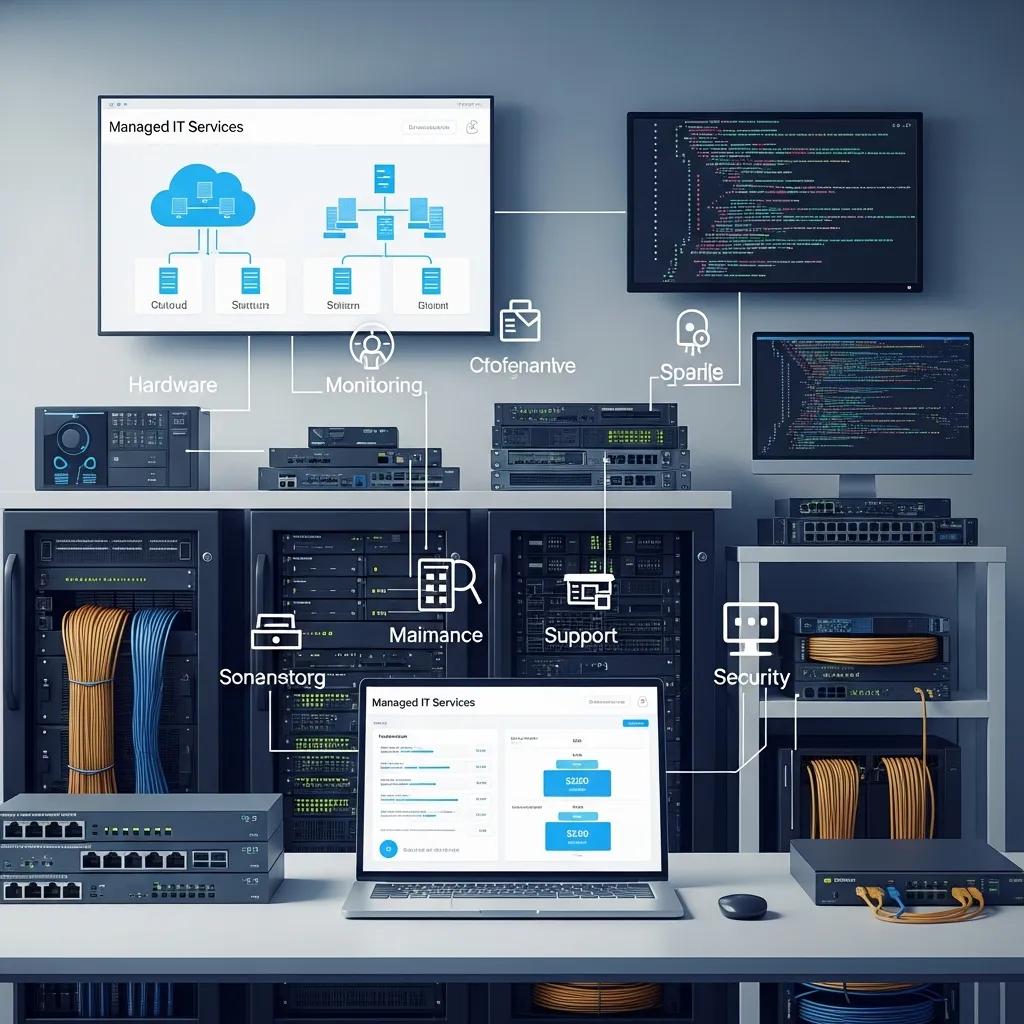
The main cost drivers are:
- Hardware: Servers, switches, backup devices and other on-prem equipment affect upfront and replacement costs.
- Software Licensing: Ongoing license fees, SaaS subscriptions, and security tools are recurring expenses.
- Labor: Skilled engineers and support staff are a major part of monthly fees—especially for proactive monitoring and fast response.
- Compliance: Regulated industries often need audits, controls, and documentation that add to the cost of service.
Mapping these components against your business needs gives a clearer picture of total cost of ownership.
How Does Location, Especially Texas SMBs, Affect Pricing?
Your region influences price. For Texas small businesses, consider:
- Regional Market Rates: Local competition and demand shape pricing—urban centers often have more options than rural areas.
- Cost of Doing Business: Wages, rent, and operational costs in your area can affect provider rates.
- State Regulations: State-level compliance or licensing requirements may add tasks and expense for providers serving your region.
Compare local providers and ask for references from nearby businesses to understand realistic rates in your market.
What Is the Average Cost Breakdown of IT Managed Care Services?
While every business is different, breaking costs into predictable categories helps you benchmark proposals and set expectations.
How Do Service Levels and Support Plans Influence Pricing?
Price changes with the level of service. Typical tiers include:
- Basic Support Plans: Limited hours and reactive support—lowest cost, suited for small setups with minimal uptime needs.
- Comprehensive Plans: 24/7 monitoring, proactive maintenance, and faster SLAs—higher cost but fewer disruptions.
- Custom Plans: Tailored mixes of support, security, and project work—cost varies with scope and SLAs.
Match the service tier to business impact: mission‑critical systems often justify higher-cost plans for better uptime and response.
What Pricing Models Are Common Among Managed IT Providers?
Providers usually price services one of three ways:
| Pricing Model | Description | Benefits |
|---|---|---|
| Flat Monthly Fee | A steady monthly charge that covers agreed services and support. | Easy budgeting and predictable costs. |
| Pay-As-You-Go | Billing based on actual usage, incidents, or projects. | Flexible for fluctuating needs and short-term projects. |
| Tiered Pricing | Multiple packages with different feature sets and SLAs. | Choose the level that fits your budget and risk tolerance. |
Each model fits different business priorities—predictability, flexibility, or customizable coverage.
Industry research shows a large share of IT budgets goes to maintaining existing infrastructure, which is one reason many firms consider outsourcing to control costs and focus internal resources on growth initiatives.
IT Budgeting & Funding Models: Outsourcing & Investment Decisions
Research indicates many organizations spend well over two-thirds of IT budgets just maintaining current infrastructure. Annual IT budgets can represent roughly 30–50% of a firm's capital expenditures. Understanding budgeting models—such as charge-back, revenue percentage, or outsourcing—helps leaders decide when to fund new initiatives versus outsourcing ongoing operations. In absolute outsourcing models, a company relies entirely on an external IT provider rather than an internal IT department, and services are billed back to the organization.
Understanding and evaluating IT budgets and funding, I Venkatraman, 2014
What Are the Benefits and ROI of Investing in Managed IT Services?

Managed services can deliver measurable benefits and a clear return on the right investment.
- Proactive Support: Ongoing monitoring and maintenance catch issues early and reduce downtime.
- Enhanced Security: Regular patching, monitoring, and security controls lower breach risk and exposure.
- Cost Control: Predictable billing and scoped services reduce surprise expenses.
- Increased Efficiency: Automated processes and expert support free staff to focus on core work.
- Scalability: Services expand with your business without large capital outlays.
- Improved Uptime: Better availability through monitoring and faster incident response.
- Customized Solutions: Services aligned to your goals prevent wasted spend on unnecessary features.
A realistic ROI assessment is essential before adopting new tech—proof of value matters to leadership and operational teams alike.
Calculating ROI for Web Services: Building a Solid Business Case
A practical approach to ROI weighs both costs and realistic benefits. Even attractive technologies need a solid business case before adoption. This paper emphasizes balanced analysis, warning of potential pitfalls and leaving the final decision to leaders across technical and business roles—from executives to project managers.
Return on investment (ROI) and web services, 2002
When calculated properly, managed services often reduce total IT spend by cutting downtime, improving efficiency, and lowering security risk.
How Do Managed Services Enhance Security and Compliance?
Managed providers strengthen security through continuous monitoring, routine patches, access controls, and documented processes. They help maintain compliance by implementing controls, keeping audit logs, and conducting periodic reviews. Reliable backup and disaster recovery plans are part of this work, reducing the chance of catastrophic data loss and shortening recovery times.
What Case Studies Demonstrate Cost Savings for Texas SMBs?
Real-world examples show meaningful savings. One Texas manufacturer cut IT costs by roughly 30% after moving to managed services with proactive monitoring and centralized support. A Texas retailer gained about 25% higher productivity by adopting cloud solutions and streamlining infrastructure. These case studies illustrate how targeted IT changes can free budget and improve operations.
Recent research highlights how cloud-based MIS can significantly boost efficiency and cost control for SMEs, reinforcing why many Texas businesses are moving toward cloud solutions.
Cloud MIS for SMEs: Efficiency, Cost Management & Texas Insights
A mixed-methods study of cloud-based management information systems found strong potential for SMEs to improve operational efficiency and cost management. Conducted at Texas A&M University‑Texarkana (June–December 2023), the research surveyed 200 SMEs using cloud MIS to measure efficiency gains, cost savings, and user satisfaction—showing meaningful benefits for businesses that adopt cloud systems thoughtfully.
Cloud-based management information systems opportunities and challenges for small and medium enterprises (SMEs), S Rahman, 2024
How Can Small Businesses Budget Effectively for Managed IT Services in Texas?
Practical budgeting starts with clarity. Use these steps to align IT spending with business priorities:
- Conduct a Technology Assessment: Inventory systems, identify security gaps, and map current performance to business needs.
- Prioritize Proactive Support: Budget for monitoring and maintenance to prevent costly outages.
- Choose Scalable Solutions: Favor platforms and services that grow with you to avoid repeated large investments.
- Insist on Transparent Billing: Require clear invoices and defined scope to avoid hidden charges.
- Align IT to Business Goals: Fund services that directly support revenue, compliance, or operational efficiency.
Following these steps keeps IT spend predictable and tied to measurable outcomes.
What Compliance and Regulatory Costs Should Be Considered?
When budgeting, include compliance-related expenses such as:
- Data Protection Requirements: Costs for controls, audits, and documentation if you handle regulated or cross-border data (GDPR, HIPAA, etc.).
- Industry Standards: Sector-specific security and reporting obligations that may require specialized solutions.
- Training: Ongoing staff training on policies and best practices to reduce human risk and support compliance.
Factoring these items into your budget helps avoid fines and costly remediation later.
How to Choose a Managed IT Provider That Fits Your Budget?
Look for providers who offer clarity, alignment, and measurable outcomes. Key selection criteria include:
- Tailored Service: Providers who design solutions around your needs—not one-size-fits-all packages.
- Transparent Billing: Clear scopes, itemized invoices, and agreed change-control processes.
- Proactive Support: Emphasis on prevention, not just break-fix responses.
- Security-First Approach: Demonstrable practices for protecting data and meeting regulations.
- Responsive Support: Fast SLAs and local knowledge to reduce downtime.
- Detailed Assessments: Providers that give a clear baseline and roadmap for improvement.
These criteria help you balance cost, risk, and business impact when choosing a partner.
To explore how IT solutions can be tailored to your operations, schedule a consultation with our team.
Texas SMBs looking to optimize IT spending can schedule an appointment to review custom strategies.
Many organizations are adopting managed IT services to strengthen security and simplify compliance.
Want proof? Read our customer reviews to see how we’ve helped other businesses.
Frequently Asked Questions
What are the key benefits of outsourcing IT managed services?
Outsourcing gives you access to specialized skills, consistent support, and predictable costs. It reduces the burden on internal teams, improves security posture, and lets your staff focus on revenue-generating work. Done right, it increases reliability and supports growth.
How can small businesses assess their IT needs before engaging a managed service provider?
Start with a technology audit: list hardware and software, evaluate performance and security, and talk with users about pain points. Add growth projections and compliance needs. A clear assessment lets you get accurate proposals and avoid scope creep.
What should businesses look for in a managed IT service contract?
Focus on scope, SLAs, response times, and clear pricing. Check contract length, renewal terms, and exit clauses. Make sure compliance responsibilities are defined and that change requests are handled transparently.
How can businesses measure the ROI of their managed IT services?
Track reduced downtime, lower incident costs, and efficiency gains. Measure improvements in security posture and compliance avoidance. Combine these quantitative metrics with user satisfaction and productivity to evaluate total ROI against monthly costs.
What are the common pitfalls to avoid when selecting a managed IT provider?
Avoid choosing solely on price. Don’t ignore SLAs, references, or technical fit. Ask for case studies, clarify scope, and confirm cultural fit—responsiveness and communication matter as much as technical skill.
How do managed IT services adapt to changing business needs?
Good providers offer scalable plans, modular services, and regular reviews. They adjust resource levels, onboard new applications, and evolve security controls as your business changes—so your IT keeps pace with growth.
Conclusion
Clear expectations and the right questions make IT pricing predictable. By debunking common myths and understanding cost drivers, you can choose a service level that fits your budget and risk profile. Managed IT can reduce total cost of ownership, strengthen security, and free your team to focus on growth. If you’d like help building a budget or evaluating options, schedule a consultation with our experts to get a practical, local plan.
